
Help where the work happens
A copilot operates in the context of a screen, case or task. It can draft a support response, summarize a sales opportunity or help complete an operational record. Users can inspect sources, edit the proposal and decide what happens next.
Propose, check, decide
- The copilot gathers authorized context and prepares a suggestion.
- The user checks important details, corrects or rejects the result.
- A consequential action, such as sending a message or changing a record, needs an authorization rule and appropriate confirmation.
- Errors and missing information are clearly presented, with a manual recovery path.
Chatbot, RAG or copilot?
Chatbot: a conversational interface
It enables natural-language interaction. This alone says nothing about its sources or permission to act.
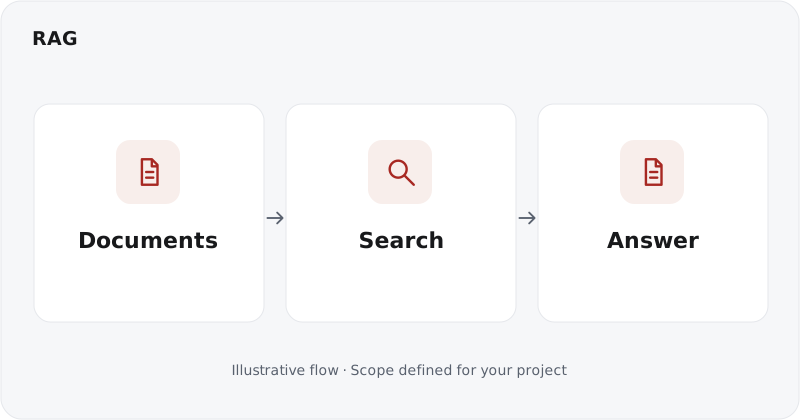
RAG: retrieved knowledge
It finds evidence in a corpus to ground an answer. It can supply a chatbot or a copilot.
Copilot: assistance within work
It connects help to the user’s context and tools. People retain an explicit review role. An agent can instead carry out a sequence of authorized tasks within defined boundaries.
Integration and quality
We examine existing screens, APIs, identities and permissions. The prototype specifies visible sources, waiting states, refusals and how to continue without assistance. Evaluation covers suggestion relevance, business errors and the user’s ability to stay in control.
Deliverables
UX flows, review rules, integration with agreed tools, test cases and monitoring arrangements. Deployment begins with explicit scope; user feedback guides improvements.
Useful questions
Must existing tools be replaced?
Not necessarily. Integration depends on their interfaces and your access constraints.
Can a copilot send a response by itself?
This must be decided for each action. Displaying a draft does not authorize automatic sending.